Continia Finance – Associations
Manage related accounts as one relationship
Handle complex customer and vendor relationships with ease using the Associations module in Continia Finance—directly in Microsoft Dynamics 365 Business Central.
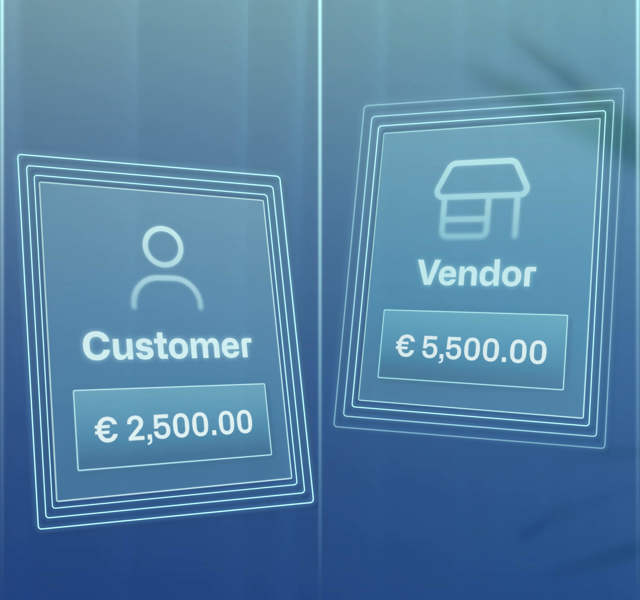
Separate accounts—but it’s one relationship
If you’ve ever reconciled payments from a customer with multiple subsidiaries or handled a business that’s both a vendor and a customer, you know the challenge:
Each account is managed separately in Business Central—but in reality, they’re part of the same relationship.
Treating them in isolation can lead to:
- Split balances across accounts
- Manual tracking of shared credit memos and payments
- Limited insight into customer or vendor behavior
- Slower reconciliation and greater risk of error
Continia Finance’s Associations module brings these relationships together—so you get a complete picture without losing the details.
Streamline financial management by linking accounts
The Associations module helps you group related customers and/or vendors and manage them as a single relationship without losing access to detail.
Instead of jumping between separate accounts, you get a consolidated view of what’s open, what’s owed, and what’s already been paid.
Whether you’re working with franchise chains, holding companies, or businesses with dual roles, this module gives your finance team the tools to reconcile faster and manage smarter.
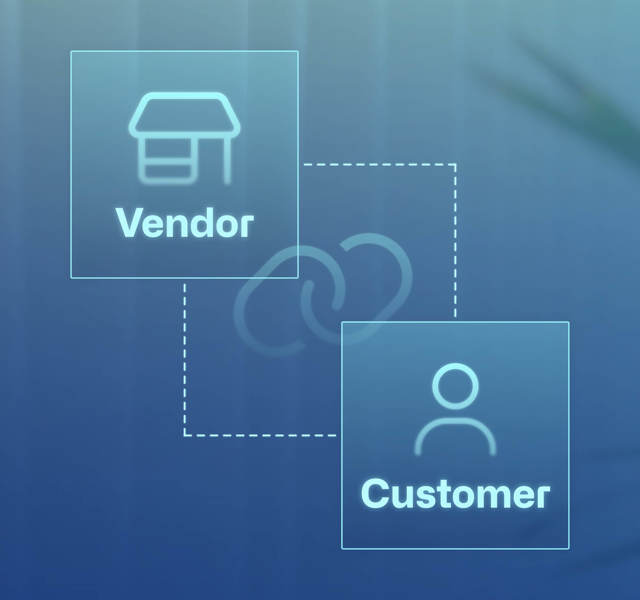
What you can do with Associations
Group related customers or vendors
Create associations by grouping multiple accounts—assign a master account to route centralized payments and streamline management.
Create shared credit limits
Set a single shared credit limit for an entire association. Continia Finance automatically checks shared limits to prevent overextension and reduce risk.
Link customers and vendors
When a company is both customer and vendor, link the accounts to view balances and clear open entries across them in just a few clicks.
Keep track with reminders
Set up extended reminders to help you keep track of associations, linked vendors, and shared credit balances—so you never miss a thing.
Apply payments across accounts
Save time by using the Extended Application page to view all related open entries and apply one payment across many accounts.
Get insights across accounts
Easily access a report of open entries and get a combined view of costs, profits, and discounts across the entire association.
Why finance teams use G/L Open Entries
- Consolidates balances across multiple related accounts
- Enables faster, cross-account payment application
- Reduces manual reconciliation and tracking
- Enhances control over inter-company relationships
- Simplifies audits with complete and reportable data
- Fully embedded in Business Central—no external tools needed

Is this module right for you?
Your team will benefit from Associations if you:
✔ Reconcile payments across multi-entity customers or vendors
✔ Work with customers who are also suppliers
✔ Manage parent-subsidiary or franchise models
✔ Need better visibility into connected account behavior
✔ Want to reduce reconciliation complexity and errors
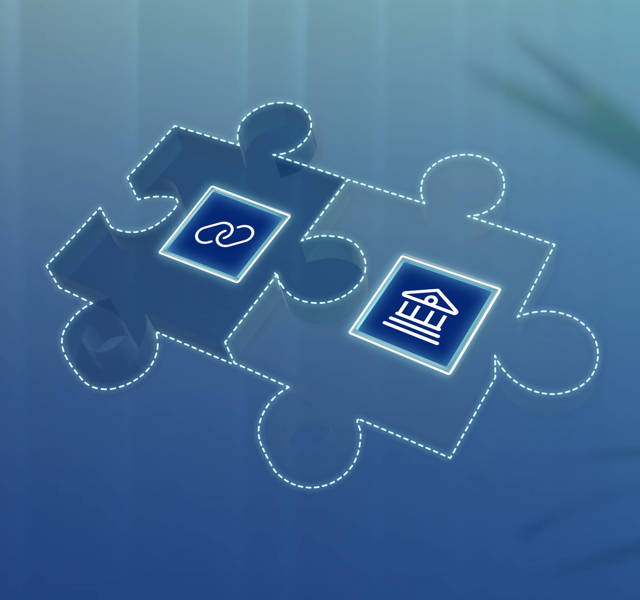
Seamless integration with Continia Banking
The Associations module works hand in hand with Continia Banking to streamline payment processing*. During payment exports, the system automatically identifies links between related customer and vendor accounts—applying entries accurately across associations with minimal manual effort.
*Only available for advanced payment processing.
Don’t have Continia Banking yet?
Take control of complex relationships
Don't treat related accounts as separate silos — bring structure, control, and automation to how you handle linked customers and vendors.
Talk to your Dynamics partner to get started with the Associations module today.
Find your partner